
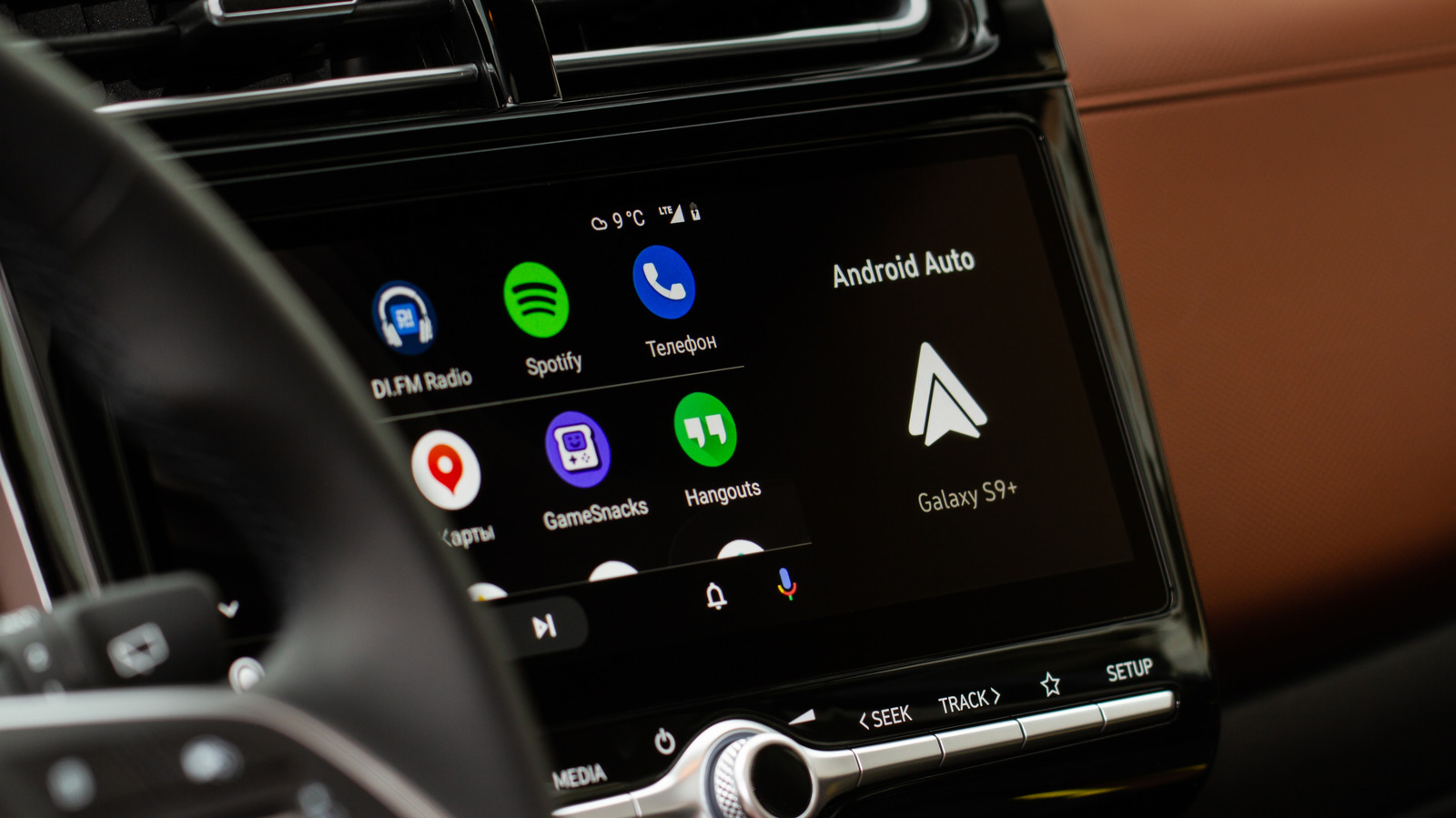
How to stop audio from auto-playing on Android Auto
A guide explains how to stop audio from automatically playing on Android Auto when a phone connects to a car. The issue can be frustrating for drivers who don’t want unexpected music or podcasts to start. The solution involves adjusting settings in Android Auto or managing Bluetooth connections.
A guide outlines steps to prevent Android Auto from resuming audio playback automatically when a phone connects to a car. Users can disable a setting in Android Auto or manage Bluetooth connections to stop unwanted audio.
This issue affects daily driving experiences, especially for those who want control over their car's audio. Fixing it can reduce distractions and improve user satisfaction with Android Auto.
The guide offers practical, user-friendly solutions that help people take control of their technology, making it a positive example of helpful, constructive information.
upbeatBytes summarizes in its own words and links to the original publisher — it doesn't host the article.