
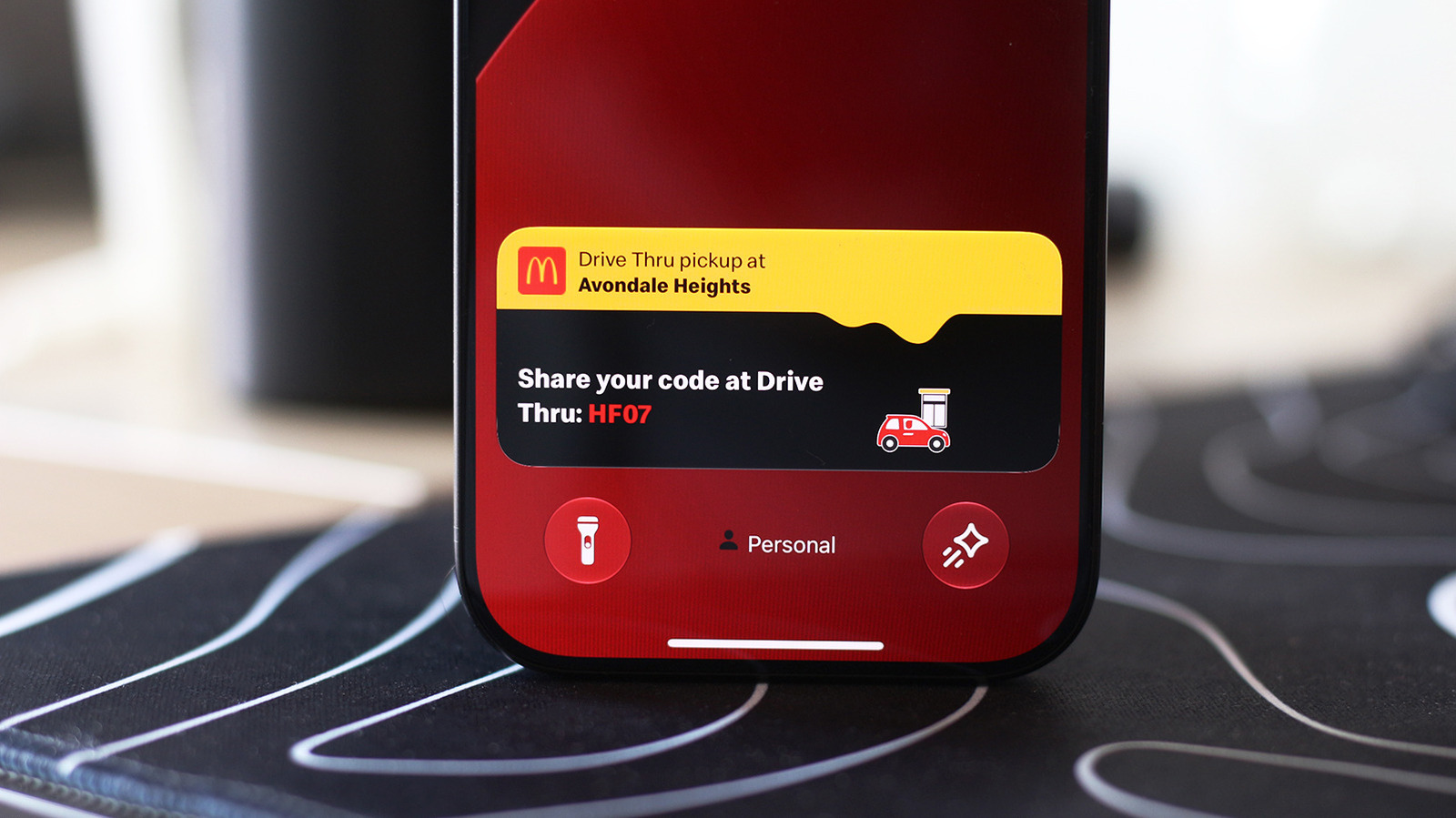
How to enable Live Activities on iPhone and CarPlay
The article explains how to enable Live Activities on iPhone and CarPlay, which allow users to track updates like navigation, music, and delivery status without opening apps. It includes steps for enabling the feature on the iPhone and CarPlay, and notes on how it works with the Lock screen and CarPlay dashboard. The article is part of a tech news site's coverage of mobile and automotive technology.
The article provides instructions on how to enable Live Activities on iPhone and CarPlay, which show real-time updates on the Dynamic Island and CarPlay dashboard. It explains how to turn the feature on in settings and how it works with the Lock screen and CarPlay interface.
Enabling Live Activities improves user experience by allowing quick access to important information without switching apps, which is especially useful while driving or multitasking. It helps users stay informed without constant app checks.
The article offers practical, user-focused guidance that helps people make better use of their devices, aligning with a constructive approach to technology that emphasizes usability and convenience.
upbeatBytes summarizes in its own words and links to the original publisher — it doesn't host the article.