
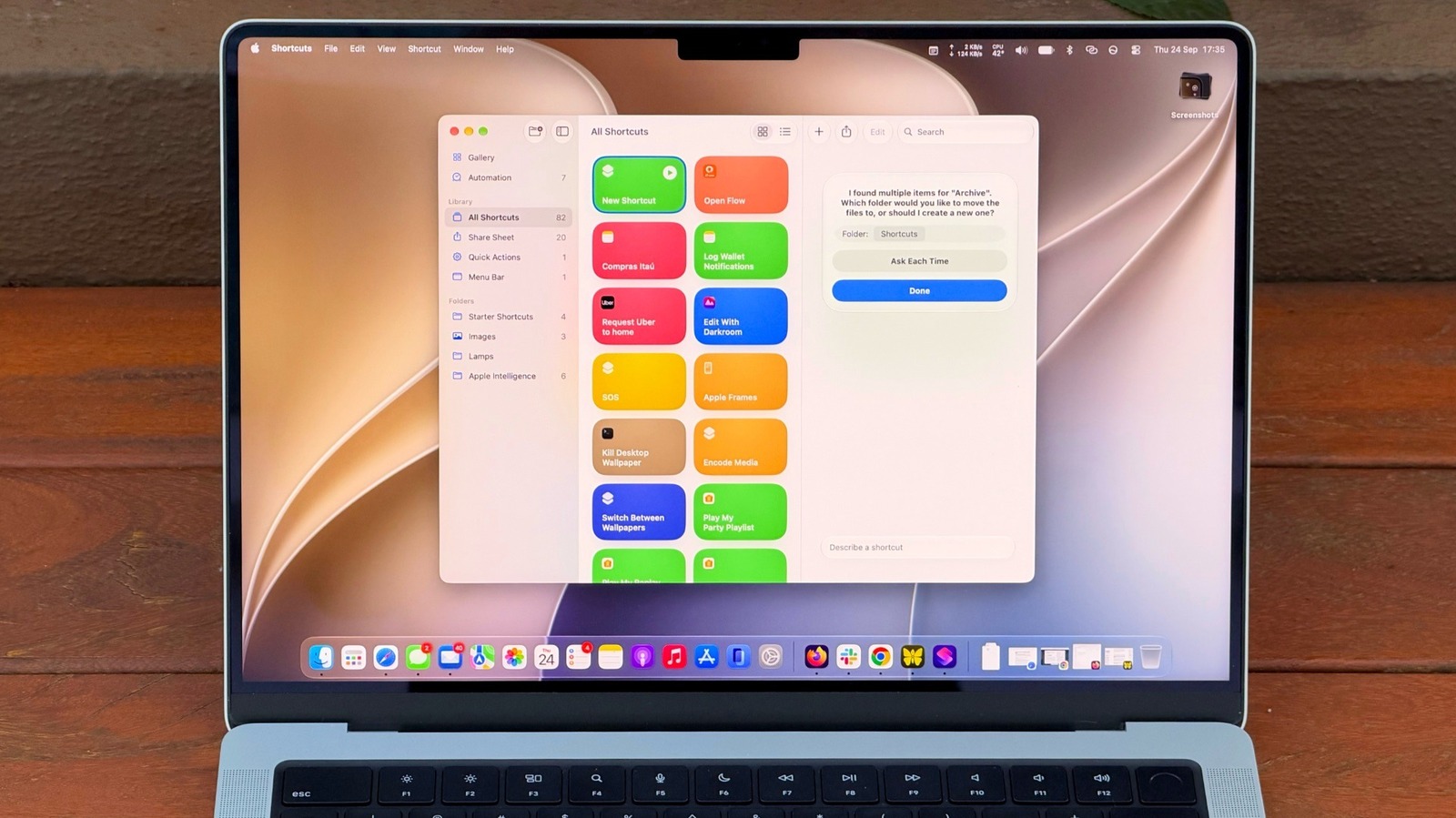
How to get started with Shortcuts on your MacBook
A guide explains how to use Shortcuts on a MacBook to automate tasks, making it easier for users to create and manage automation workflows. The article highlights new features in macOS 27 that simplify the process, especially for non-experts. It includes tips on creating effective shortcuts and making them easily accessible.
The article provides a step-by-step guide on using Shortcuts on a MacBook, focusing on new AI features that make automation more accessible. It explains how to create and test shortcuts for common tasks.
The guide helps users save time and reduce repetitive tasks by automating them, improving productivity and efficiency on Mac devices.
The article offers practical, user-friendly advice that empowers people to take control of their digital workflows and make technology work better for them.
upbeatBytes summarizes in its own words and links to the original publisher — it doesn't host the article.