
Engadget
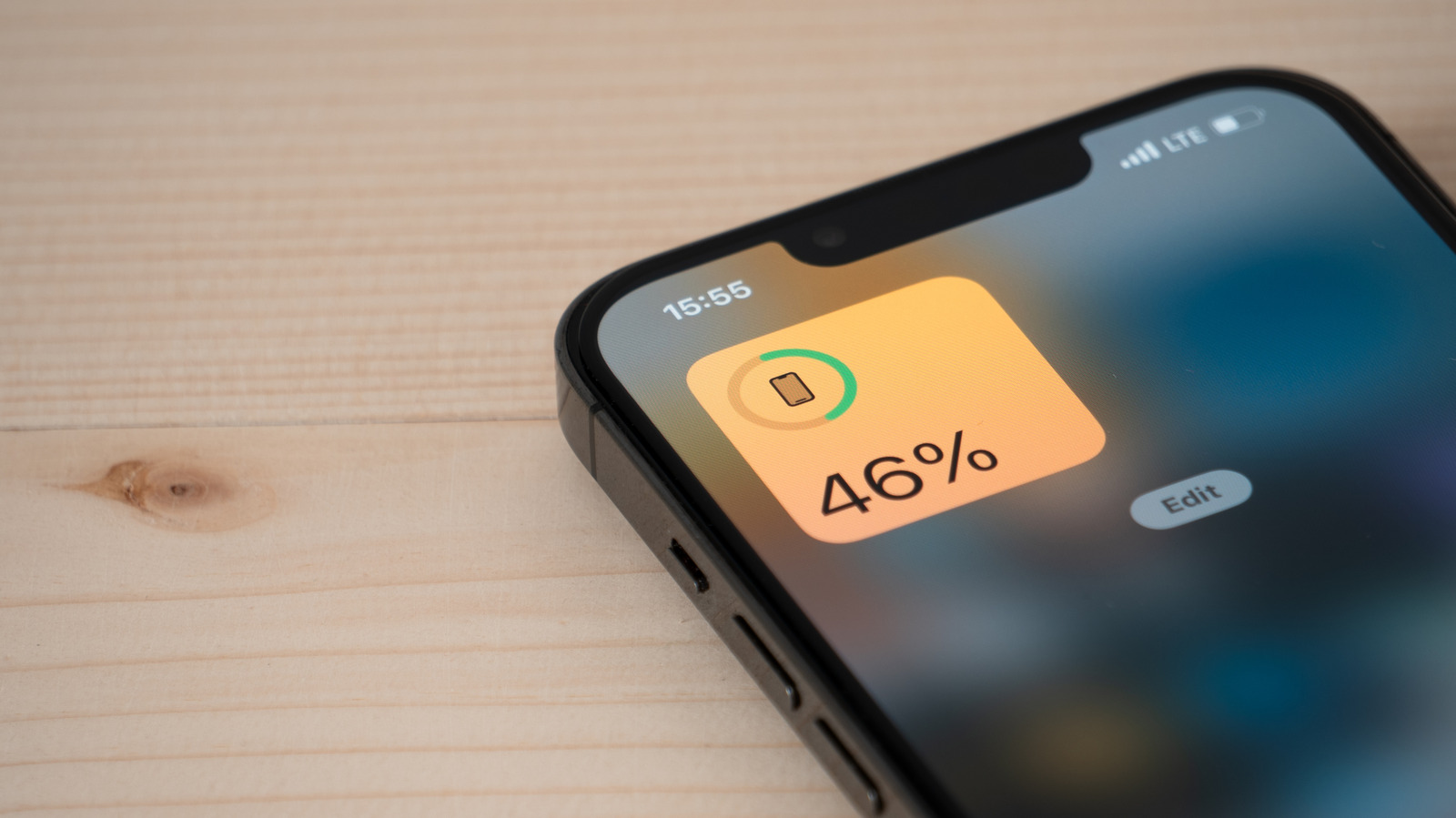
How to check which apps are draining your iPhone battery
A guide explains how to identify which apps are using the most battery on an iPhone. It describes steps to check battery usage in the Settings app and notes that some apps run in the background, using power even when not in use. Adjusting settings can help reduce battery drain.
What happened
A guide shows users how to check which apps are using the most battery on their iPhone and offers tips to reduce drain.
Why it matters
Knowing which apps drain the battery helps users manage their phone's performance and extend its use throughout the day.
Why it belongs here
The guide provides practical, user-friendly advice that empowers people to take control of their device's battery life.
sciencetechnology
upbeatBytes summarizes in its own words and links to the original publisher — it doesn't host the article.