
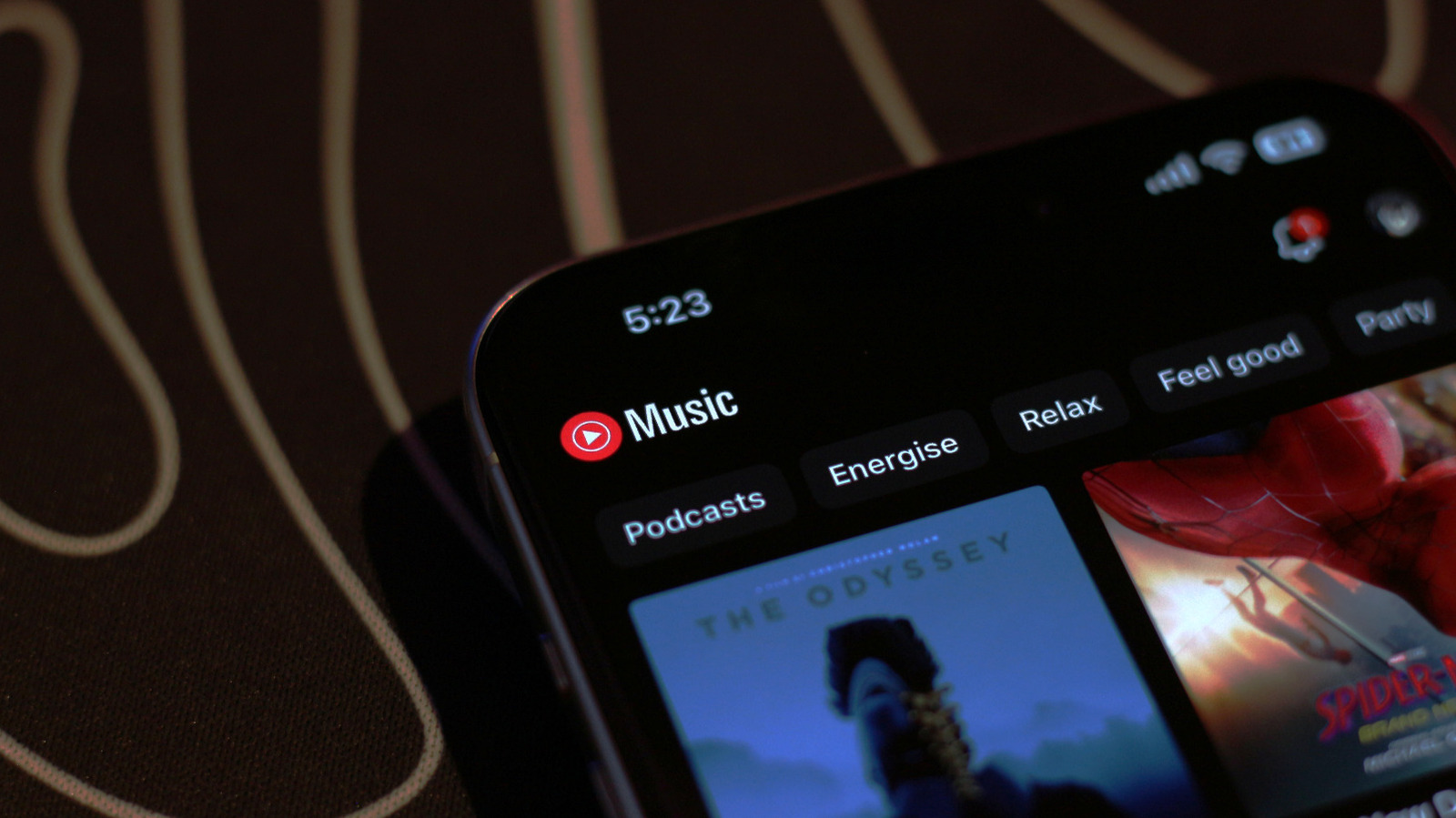
How To Get The Highest-Quality Audio Out Of YouTube Music
YouTube Music allows users to adjust audio quality settings to access higher bitrate streams, up to 256 kbps, which can be set to "Always High" on both Android and iOS devices. The service offers features like a sleep timer and integration with YouTube, but its audio quality is lower compared to platforms like Spotify, Apple Music, and Tidal, which support higher bitrates and lossless audio. Despite this, YouTube Music provides a broader selection of niche music, making it a viable option for some listeners.
YouTube Music allows users to adjust audio quality settings for streaming and downloads, with options to set it to "Always High" for better sound.
Higher audio quality can improve listening experiences, especially for those with good internet and high-end audio equipment, though it may not match top-tier services like Apple Music or Tidal.
This guide helps users make informed choices about their streaming preferences, offering practical steps for better sound without requiring technical expertise.
upbeatBytes summarizes in its own words and links to the original publisher — it doesn't host the article.